Experience the legendary Tekken 5: Dark Resurrection like never before! Tekken 5: DR with rollback netcode on PC with smooth and seamless online play. Get ready to battle without lag and take your skills to the next level! Learn more about Tekken 5: Dark Resurrection Online on PC in Arkadyzja.
New Arkadyzja version is out now, featuring rollback netplay for Tekken 5: Dark Resurrection and more.
Tekken 5 Dark Resurrection online with rollback – PC quick start guide
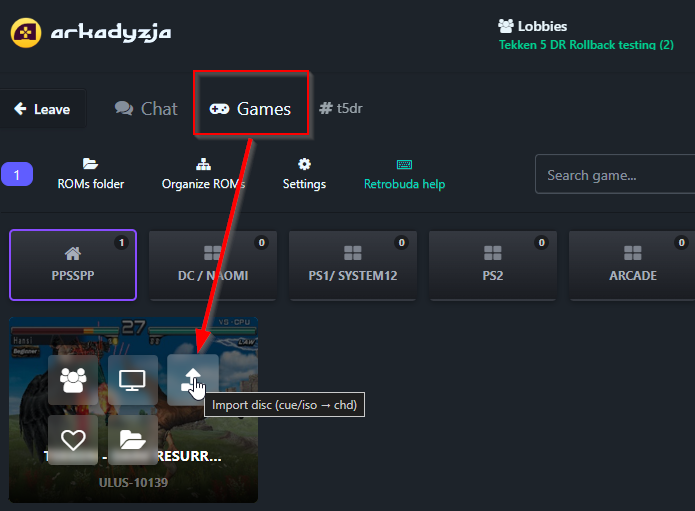
Import game: You need your legally obtained Tekken – Dark Resurrection (USA) (En,Fr,De,Es,It) PSP Version! MD5: 3236024A1C151F9D5A3B23EDE2FD63F6
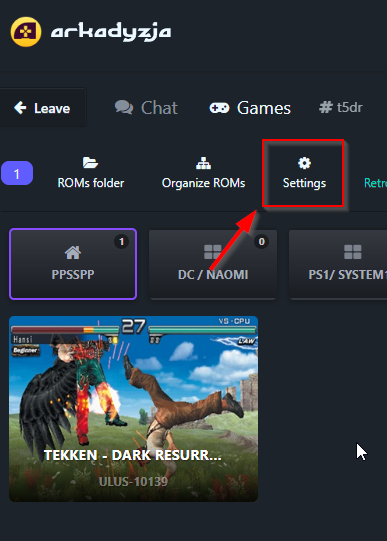
Adjust settings(vulkan/opengl/upscaling, automatic delay recommended, read point 6.):
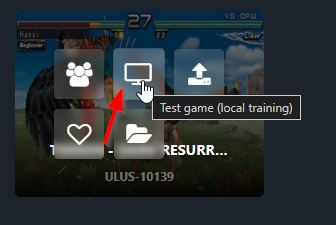
Test game:
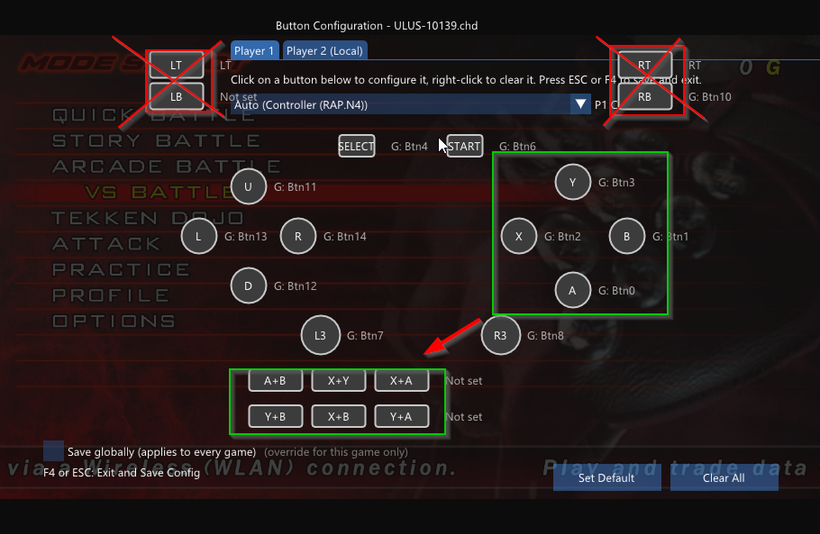
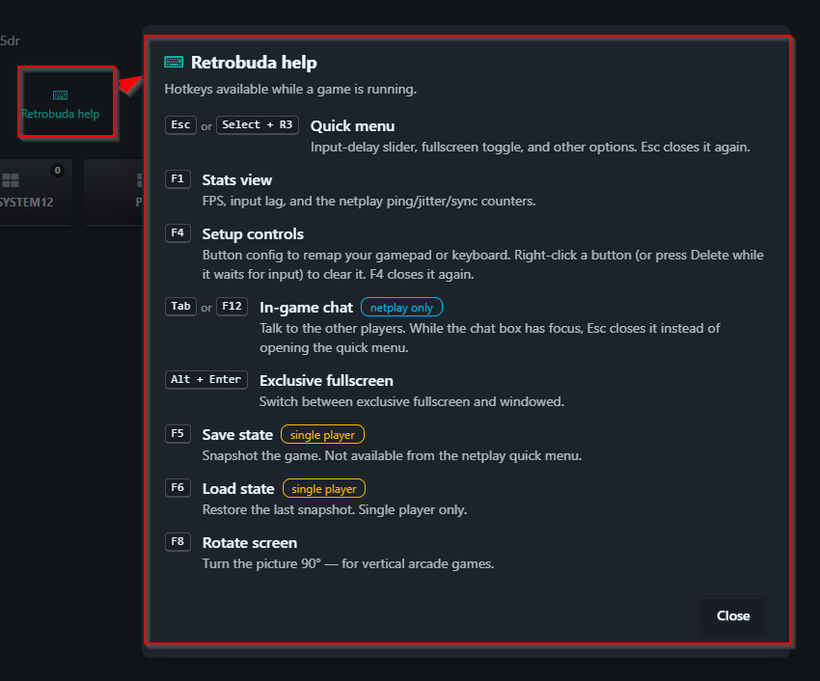
Press F4 and configure controls (ignore the triggers and configure shortcuts as shown, if you need them):
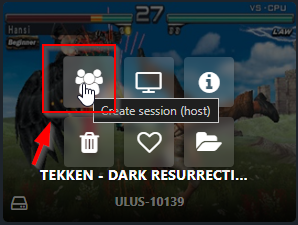
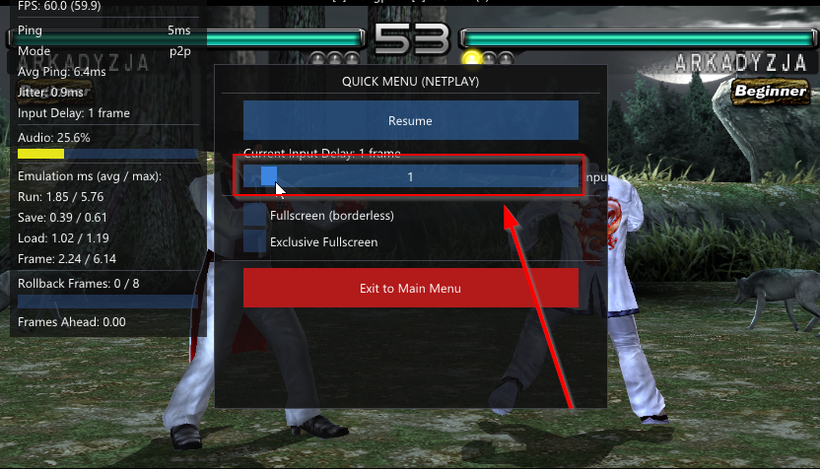
Host or Join a game, remember that you can adjust input delay in game, mid-match via Escape Key or Select+ R3 as shown, depending on your rollback tolerance/network conditions: